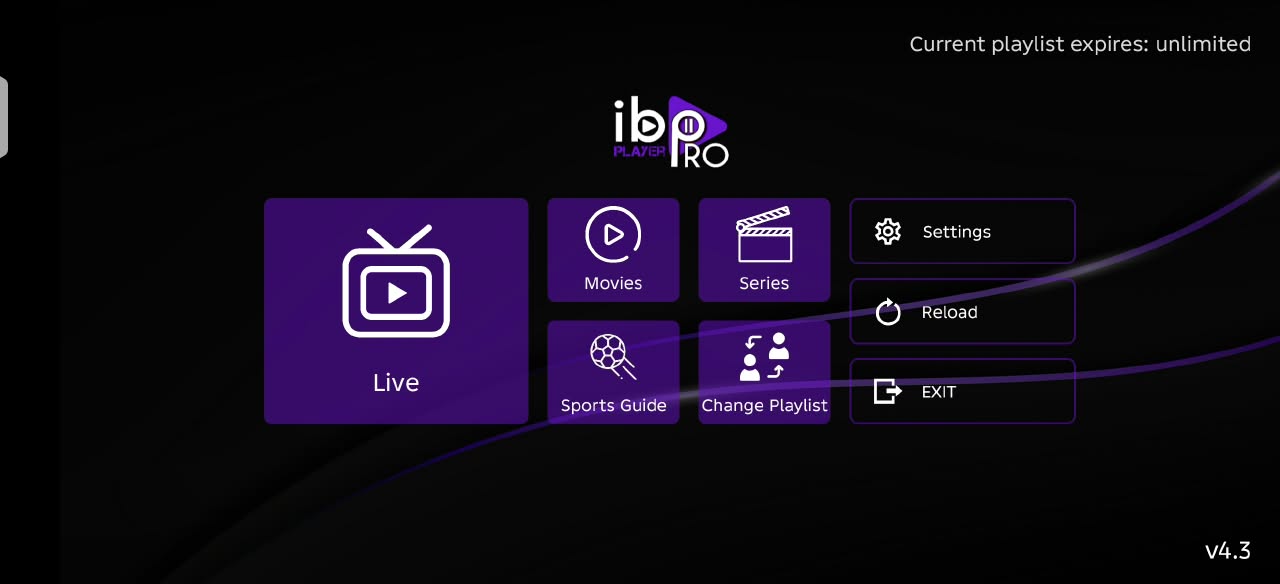
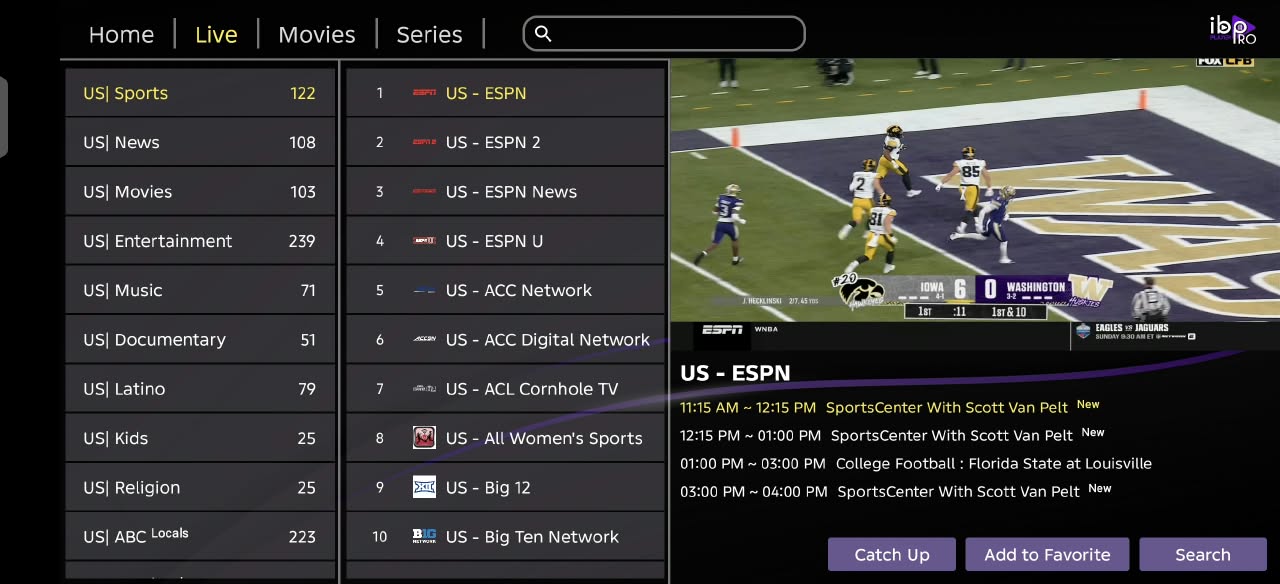
Install the DishIPTV official IBO Player, add your IPTV username and password, and start watching. Your DishIPTV service is already configured in the app.
DOWNLOADER CODE3139539Enter this code in Downloader’s URL / search box, then select Go.
Fire OSGoogle TV & Android TVAndroid phones & tablets
BEFORE YOU START
Just your IPTV username & password
Open Client Area → Services → My Services, then choose your IPTV subscription. Under IPTV Service Details, copy your username and press Show to reveal your password.
Sign in if asked, then select your IPTV subscription.
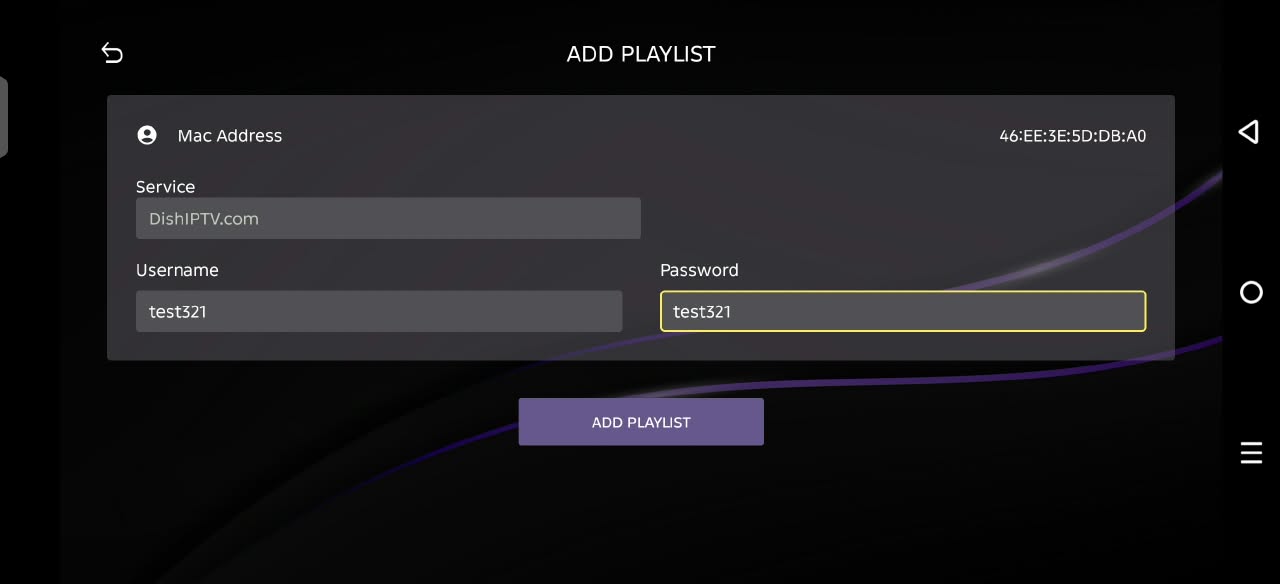
ServiceDishIPTV.com · already configured
UsernameYour IPTV service username
PasswordYour IPTV service password
Enlarge account screenshot ↗Example account screen. Use the username and password from your own IPTV subscription.Watch the setup video to see the installation and login steps.
Your billing email and password are different from your IPTV login. In this DishIPTV version of IBO Player, you do not need to type a server URL or activate a playlist on another website.
ALL-IN-ONE SETUP GUIDE
Mobile, Fire TV & Google TV
One app and one picture guide for all three. Install the app first, then follow Steps 1–8.
Choose the installation method for your device, then follow the same eight picture steps below.
ANDROID PHONES & TABLETS
Download the APK directly
Tap Download DishIPTV APK. Open Ibo-pro.apk from Downloads. If prompted, allow your browser or Files app to install unknown apps, then select Install. After installation, follow the picture guide below.
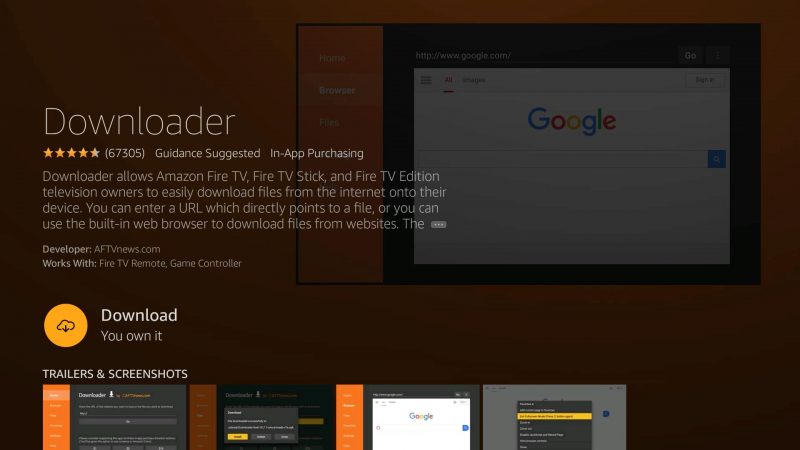
On Fire TV, search the Amazon Appstore for Downloader by AFTVnews. On Google TV or Android TV, search Google Play for the same app. Download and open it.
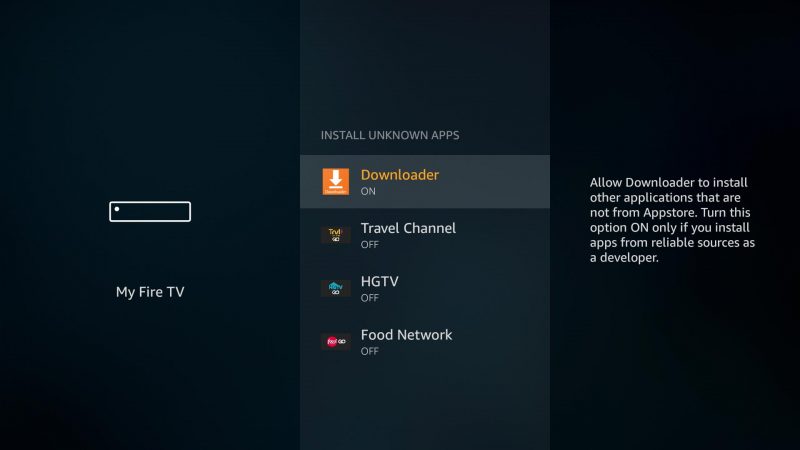
Fire TV: open Settings → My Fire TV → Developer Options → Install unknown apps, then allow Downloader. If Developer Options is hidden, open About and select your device name seven times.
Google TV / Android TV: allow Downloader under Install unknown apps when prompted. This setting may be under Apps → Special app access or Security & restrictions. Menu names vary by device.
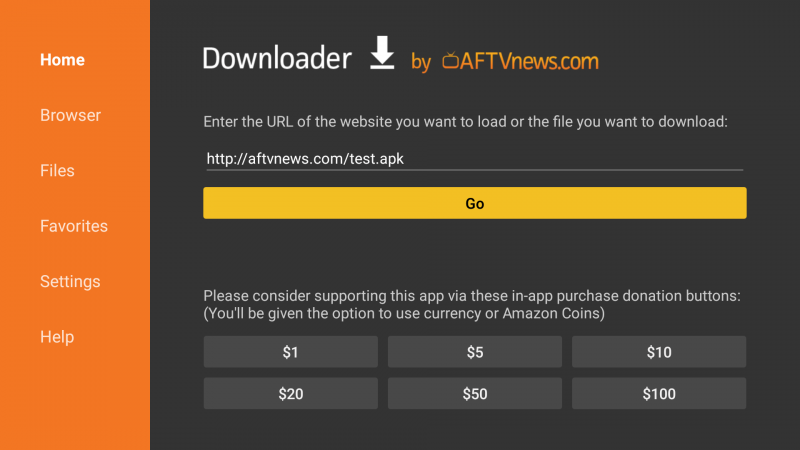
In Downloader’s URL / search box, type 3139539 and select Go. Wait for the APK download, then select Install → Open. Replace the example address in the picture with this code. You can also enter https://dishiptv.com/downloads/Ibo-pro.apk.
Use a Fire OS or Android-based TV device that supports APK installation.
You can download any IPTV player that is compatible with your Windows PC or Apple TV and supports Xtream Codes / username-and-password login.
Install it from your device’s app store or the player’s official website. Enter your IPTV username, password, and server URL from your DishIPTV service details. Contact support if you need the server address.
The DishIPTV APK and the picture guide below are for Android mobile, Fire TV and Google TV. Windows and Apple TV players may have different screens. The Android APK does not install directly on Windows or Apple TV.
✓
AFTER INSTALLATION · MOBILE, FIRE TV & GOOGLE TV
Add your DishIPTV playlist
Follow these same eight steps on Android mobile, Fire TV and Google TV. Have your IPTV username and password ready.
STEP 1
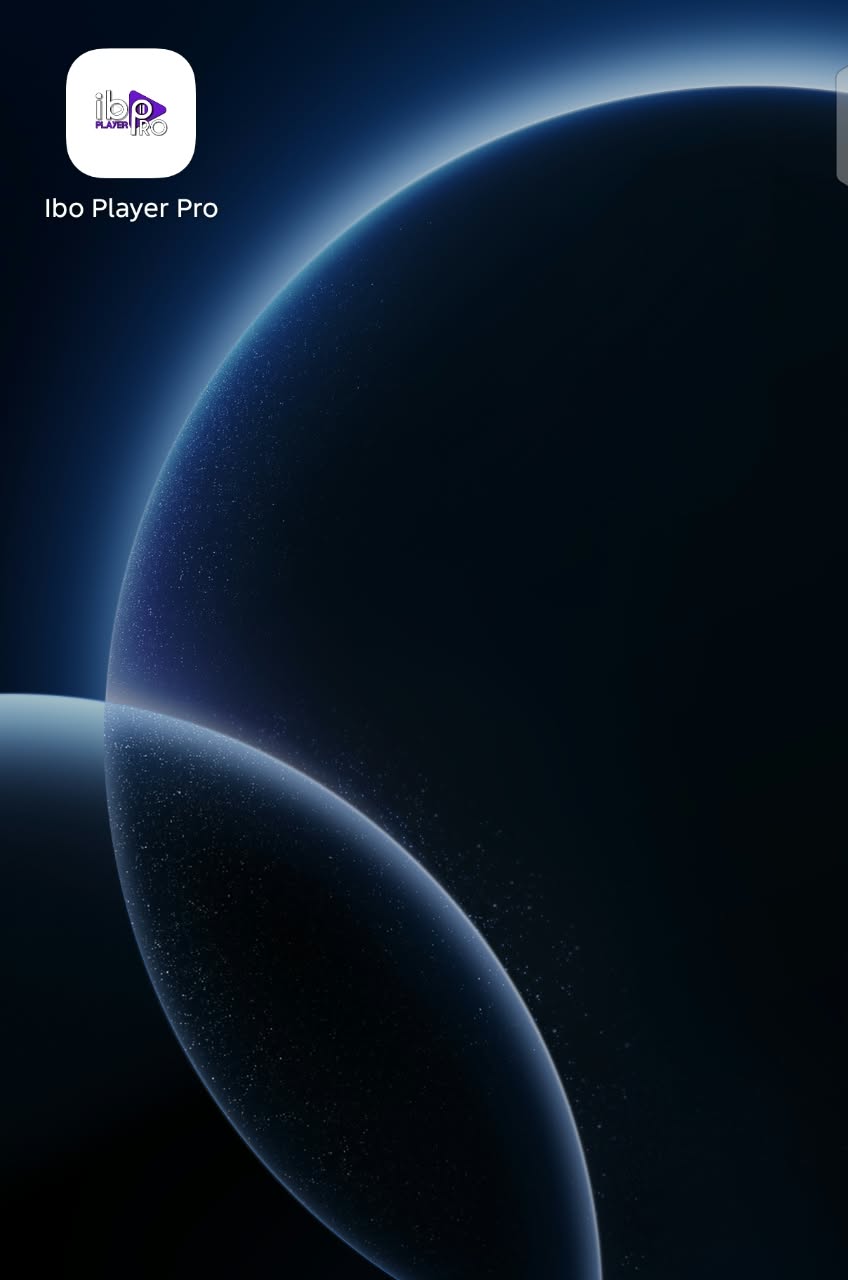
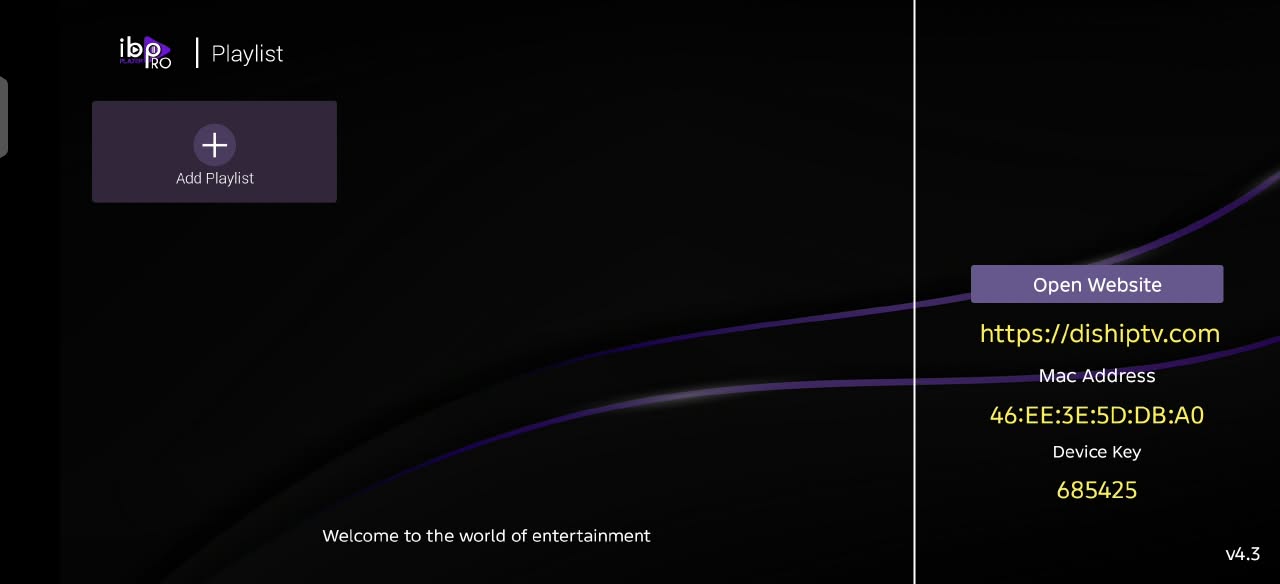
Open Ibo Player Pro
Find the Ibo Player Pro icon on your device and open it.
The Service field shows DishIPTV.com. To find your login, open Client Area → Services → My Services, select your IPTV subscription, then look in IPTV Service Details. Copy the displayed Username; press Show beside Password and copy that password. Enter both values here, then press ADD PLAYLIST. Use your own service details, not the demonstration details shown in the screenshot.
Do I need a server URL or device activation website?
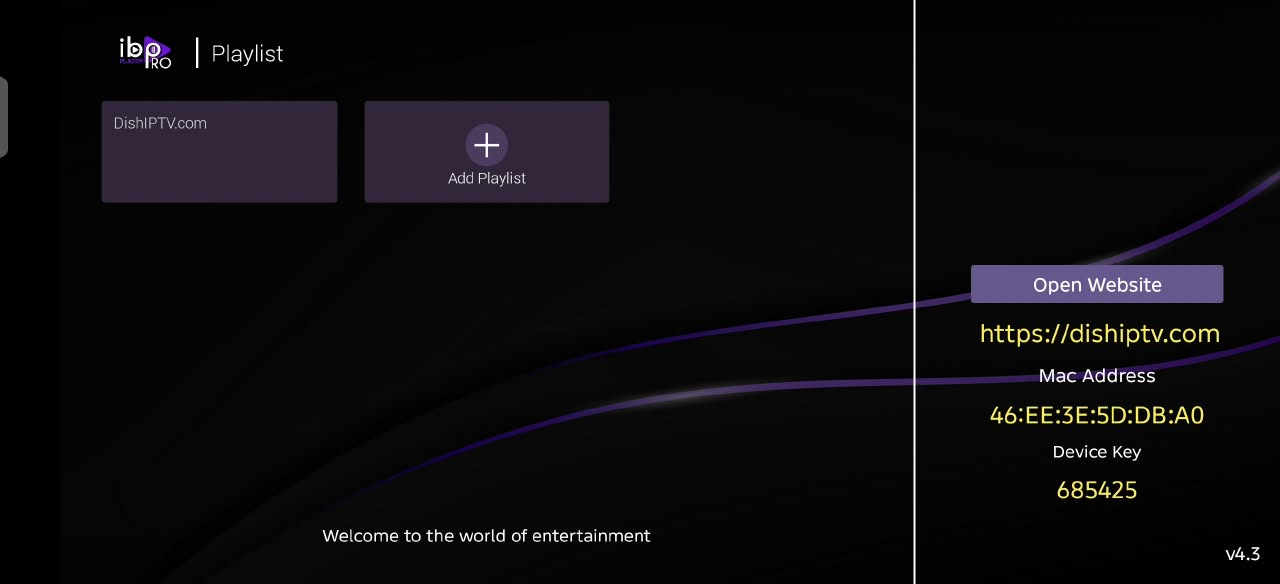
The official DishIPTV APK shown here already has the DishIPTV service configured. Choose Add Playlist and enter your IPTV username and password. You do not need to copy the MAC address or device key from a guide.
My login does not work
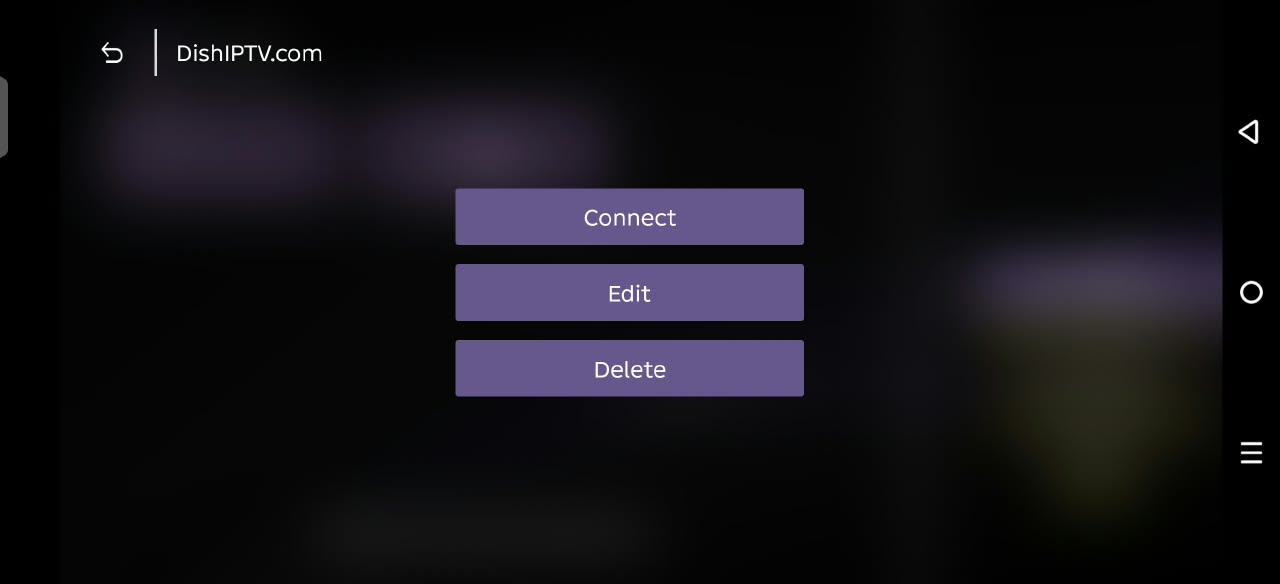
Open your active IPTV subscription in the client area and check its username and password. Do not use your billing login. Remove extra spaces, then use Edit on the playlist to correct the details and Connect again.
My Fire TV cannot install the APK
Check that your model runs Fire OS and supports Android APK installation. Allow Downloader to install unknown apps and check for Fire TV updates. Models running a different operating system may be incompatible; contact support with your exact device model.
Can I install this file on Apple TV or directly on Windows?
This file is an Android APK. For Windows or Apple TV, download a compatible IPTV player with Xtream Codes / username-and-password login. Enter your IPTV username, password, and server address from your service details.
The app opens but playback fails
Check your internet connection and active subscription. Stop playback on another device if your connection limit is reached. Try Reload or another channel, then contact support if the problem continues.